Catch-up
Missed the start? Watch earlier programmes straight from the guide, when your provider supports it.

 Coming soon
For Fire TV
Live channels, a proper TV guide and your films — together in one beautiful app. Bring your IPTV service. Lame does the rest.
£7.99 once · no subscription · no account · no ads
Your recent channels and unfinished films are waiting the moment Lame opens.
Sport, news, films and your favourites in tidy groups — with what's on now under every name.
A clean TV guide for what's on now and next. Missed something? Watch it later when your provider offers catch-up.
Resume from the exact minute, start over, or save it to your list for the weekend.
Sample channels. Click or tap the screen to take over.
Quick on the Fire TV you already own
Lame opens straight to your channels in about two seconds — even with a playlist of 14,000+ channels.
Measured on a Fire TV Stick 4K with a 14,568-channel playlist.
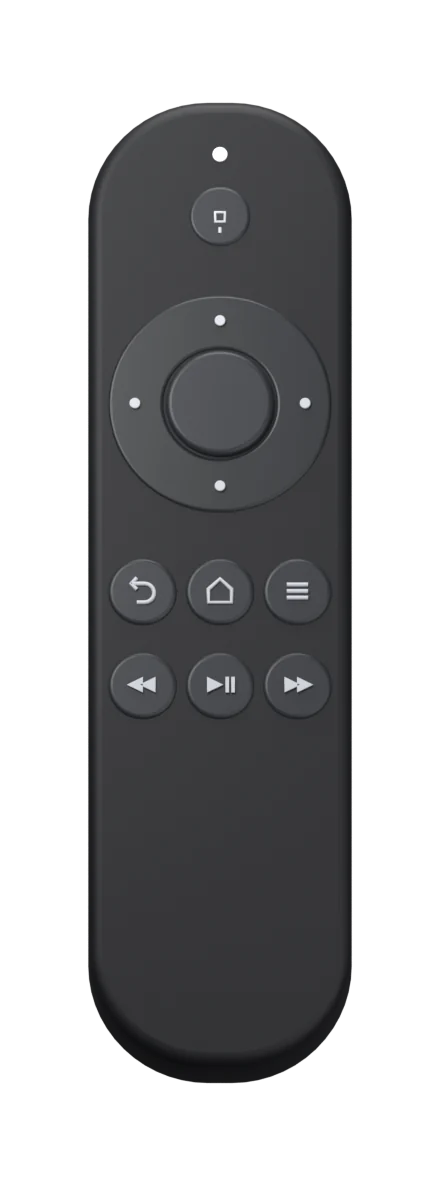
Made for the remote
Ice white or dark
Crisp ice white for the daytime, a deep dark for movie night. Drag the line to compare.
The little things
Missed the start? Watch earlier programmes straight from the guide, when your provider supports it.
Set one from the guide and Lame lets you know before kick-off.
Channels, shows, films and series — find anything from one box.
Keep your go-to channels on Home, one click away.
Hide adult channels and titles behind a PIN only you know.
Moving to a new Fire TV? Bring your whole setup across without typing it again.
Pricing
One payment gets you every feature, for good. No subscription, no account, no ads.
£7.99
Once. Not a month. Not a year.
Lame doesn't sell channels. It plays the IPTV service you already have — your provider supplies the channels, Lame makes them a pleasure to watch.
An Amazon Fire TV or Fire TV Stick, and an IPTV service that gives you an M3U playlist link or an Xtream login.
No. Lame is a player. Your channels, films and TV guide come from your IPTV provider.
Fire TV and Fire TV Stick devices running Fire OS 6 or later.
Yes, if your provider offers catch-up for that channel. The guide shows you what's available.
£7.99 (or $7.99), once. No subscription, no account and no ads. Your IPTV provider's charges are separate.
Soon. If Lame is already on your TV, add your provider directly in the app.